
How ShopXR Spend & Win Gamification Works
Follow a shopper from product page to prize reveal.
Interactive demo, see how it could look on your store.

1. Discover the campaign.
A shopper sees the Spend & Win offer on your product page.
Mechanical Keyboard
$350.00 $420.00
For every $100 spent, you get a chance to win a prize.
2. Make the next spend threshold visible in the cart.
Shoppers see how many credits their cart earns and how much more they need for another chance.
Cart
Your cart is empty.
Taxes and shipping calculated at checkout.
Back to product3. Check out as usual.
This walkthrough uses a simulated order. No payment or personal details are collected.
Review your order
Add the product to see your order here.
4. Give shoppers a reason to play.
The game invitation appears on the thank-you page after checkout.
Confirmation #DEMO-1042
Thank you, Alex!
Sample order confirmation.
🎉Congratulations
You have earned 3 game credits.
Sample credits · free play opens below.
Game previews
Pick a game.
Give it a play.
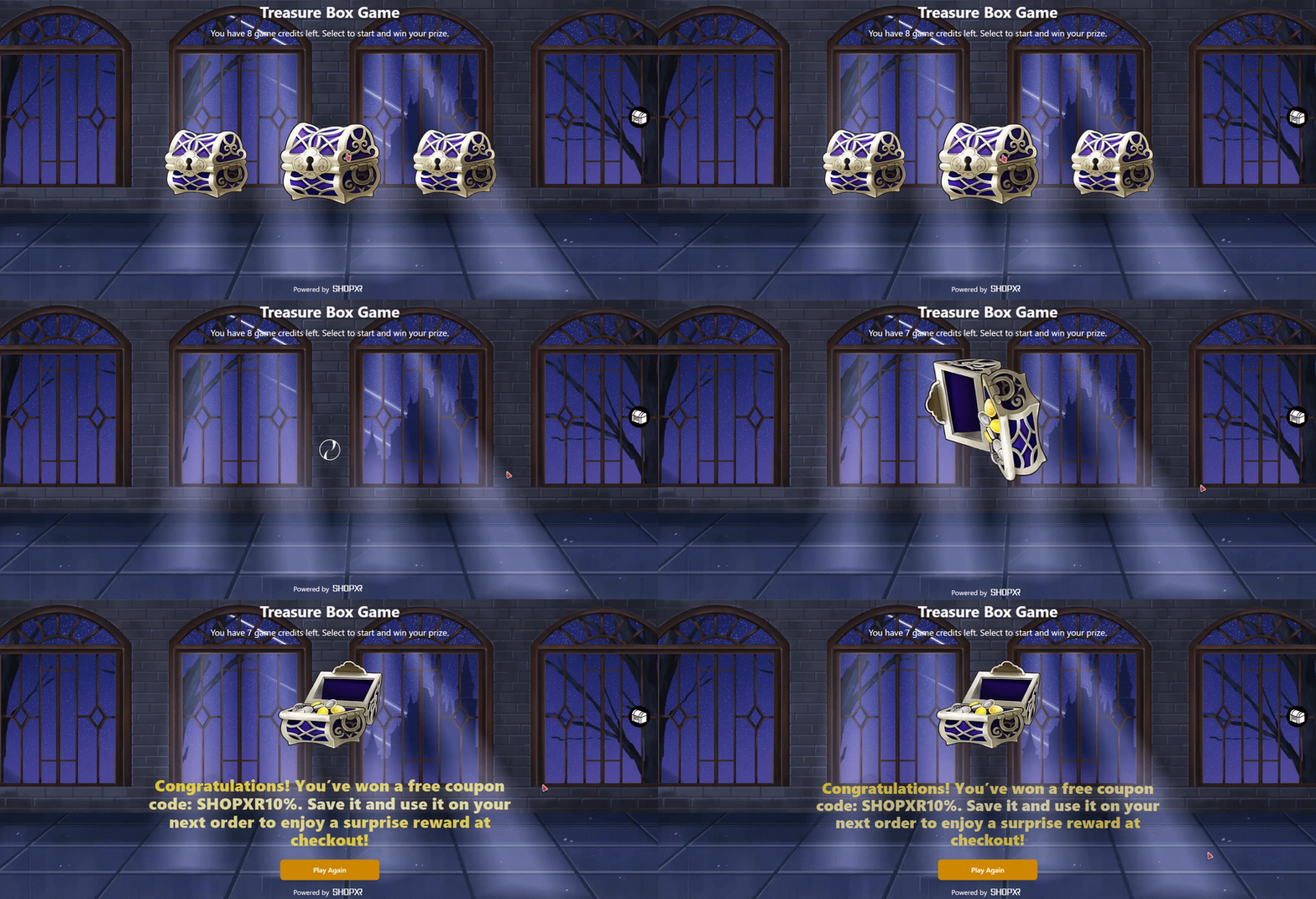
The Treasure Box opens here when a shopper selects Play the game. Try five formats and see how your own artwork, colors, and prize visuals could make the game feel like part of your store.
Free previews use no game credits.
Lift the lid to reveal a mystery reward.
ShopXR for Shopify